Supported formats
- Video in
- MP4 · MOV · WebM
- Image in
- PNG · JPEG · WebP · GIF · APNG multiple images become an animation
- GIF out
- Up to 256 colors · variable frame delay · infinite loop
- APNG out
- Full color · alpha channel · custom loop count
Video · PNG sequence · GIF · APNG → GIF / APNG
Make & convert in your browser. No upload, no signup.
Drop a file, or click to choose
WHAT IT DOES
01 / FROM VIDEO
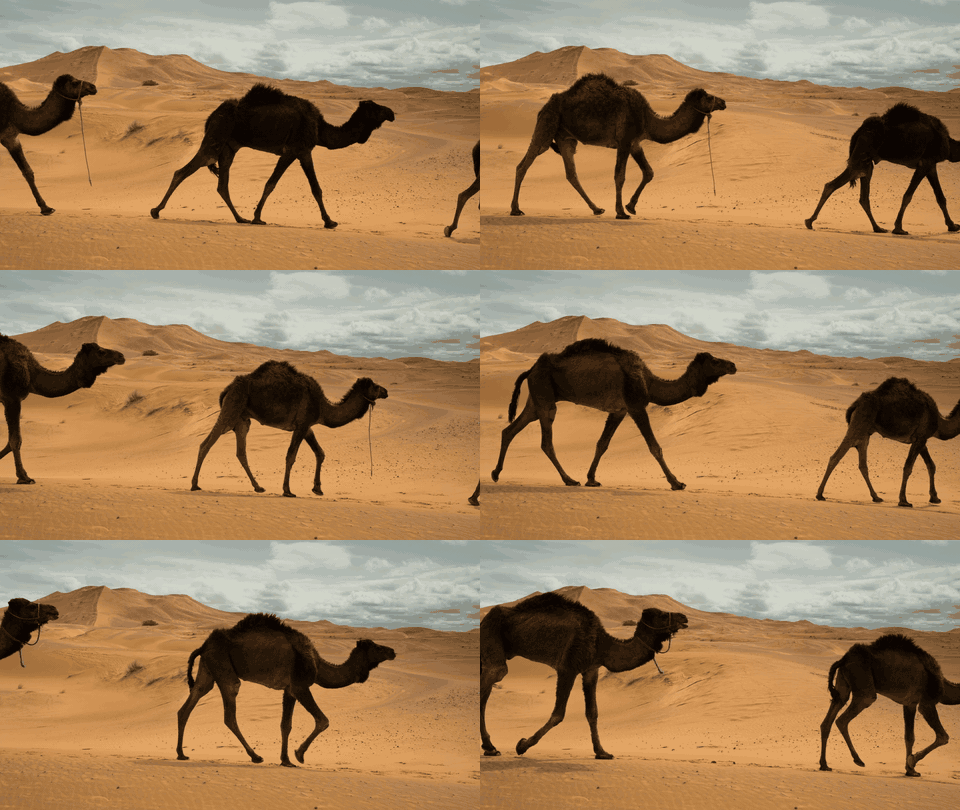
02 / FROM IMAGE SEQUENCE
03 / GIF ⇄ APNG CONVERSION
Yes, both directions are supported. APNG → GIF reduces full color to 256 colors; GIF → APNG re-encodes in full color while keeping the original frames. You can also adjust output size (W × H) and frame delay after loading.
It depends. GIF works almost everywhere — social, chat apps, embeds — but is limited to 256 colors. APNG supports full color and alpha, so the result looks much cleaner, but some platforms don't support it yet. Pick APNG when image quality matters (websites, internal sharing) and GIF when reach matters.
No explicit limit. That said, browser memory is finite — videos over 1–2 GB may fail to load. Trim long videos before loading for better stability.
Everything runs in your browser. Files are never sent to SideKit's servers or any third-party service. Your output is saved directly to your device. Confidential material and personal photos are fine to use.
Yes — the tool is free for commercial use. Just make sure you have rights to the input files yourself.
Yes, transparent PNGs are supported as input. APNG output preserves the alpha channel as-is. GIF output converts transparency to 1-bit (fully transparent or fully opaque) — that's a GIF format limitation.
GIF and APNG are image formats, so audio is not included. Only the visual frames are extracted from videos.
The latest versions of Chrome, Edge, Firefox, and Safari. Works on Windows, macOS, Linux, iPadOS, and Android — anywhere a modern browser runs.
Built with Vanilla JavaScript, Canvas API, UPNG.js, gif.js. Runs entirely in your browser — files are never uploaded.
SideKit / 2026